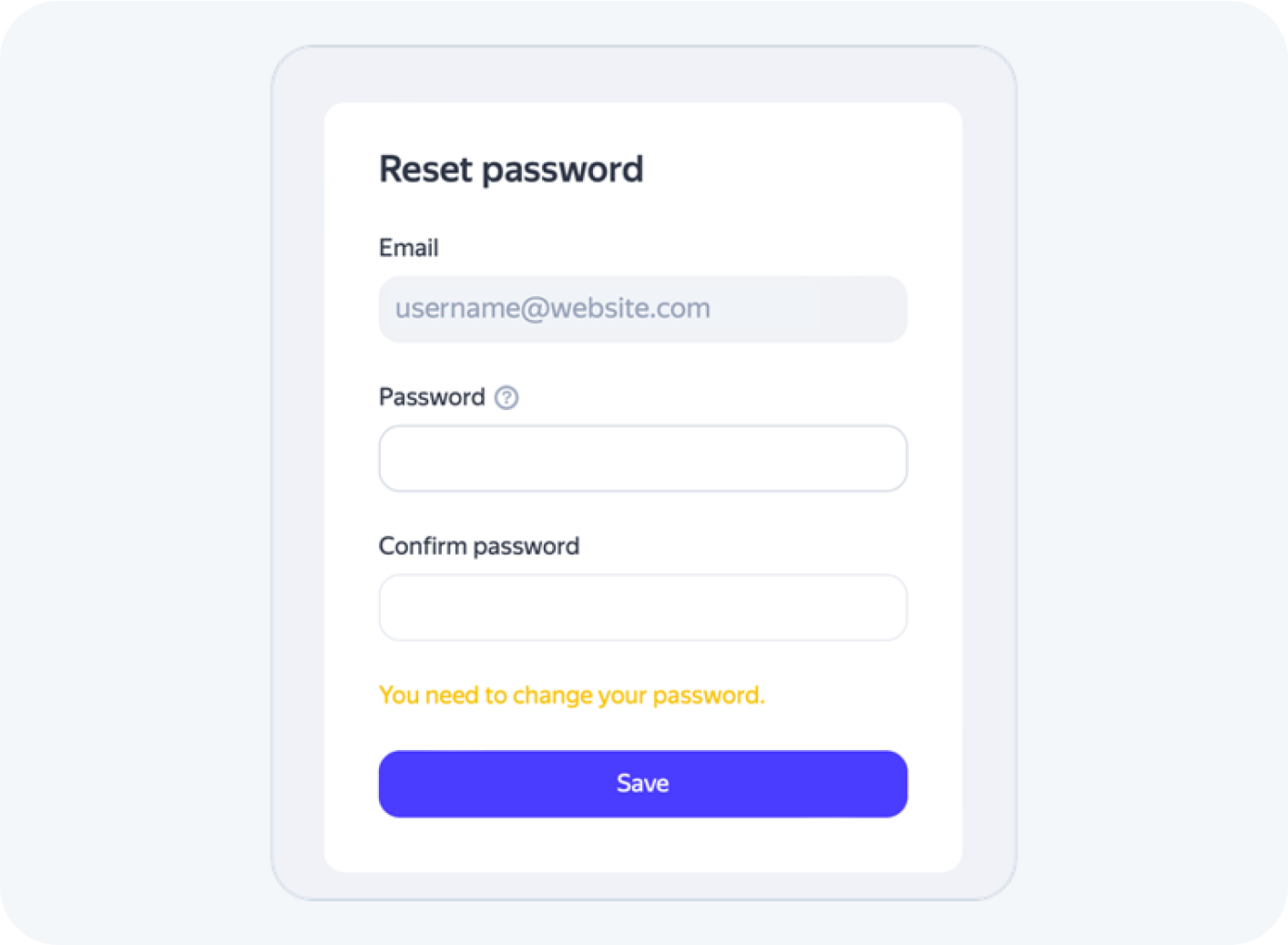
How to restore your password for email login
If you forgot the password for an account that uses an email login, follow these steps to reset it:
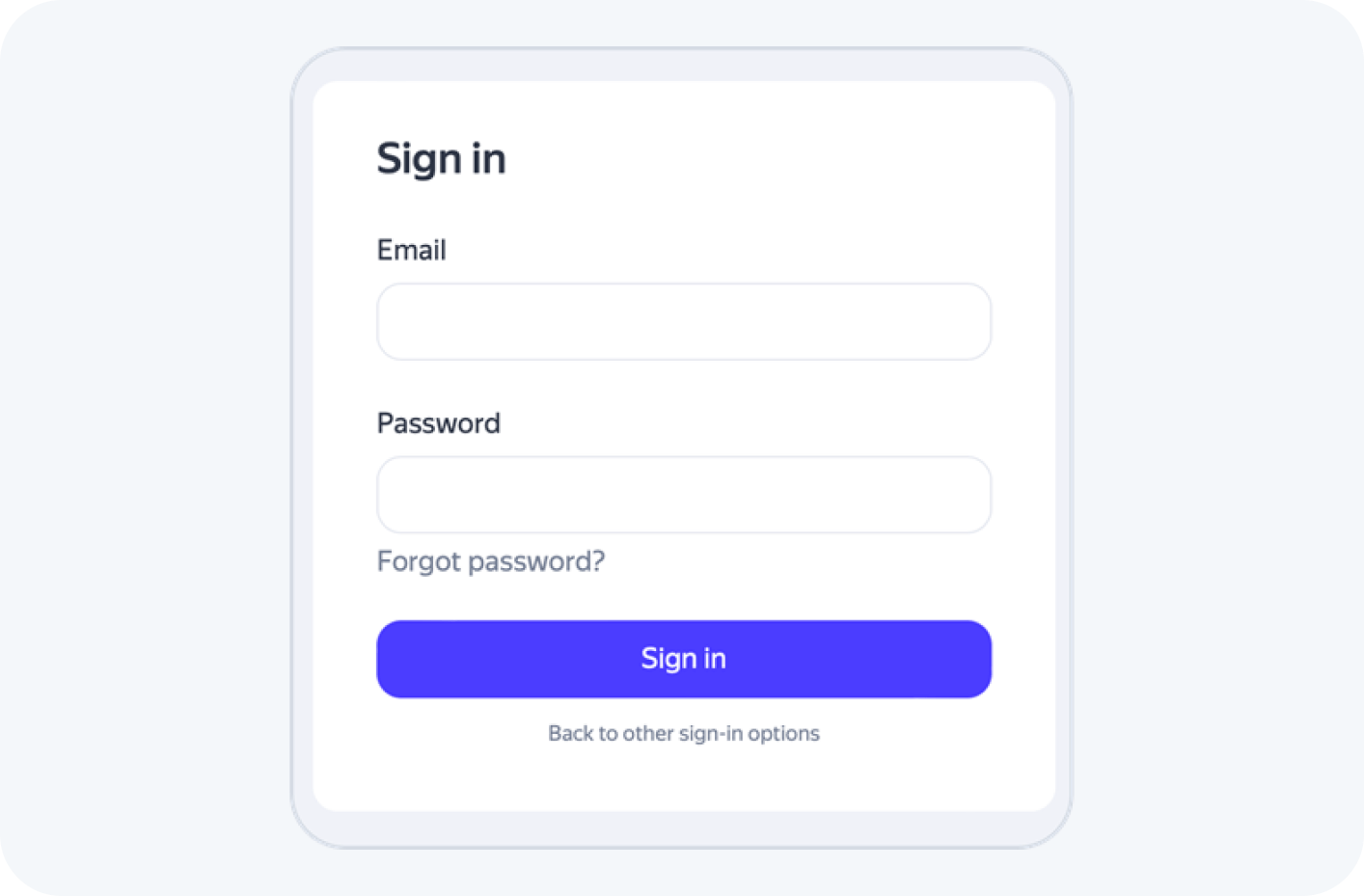
1. Click on “Forgot password?”
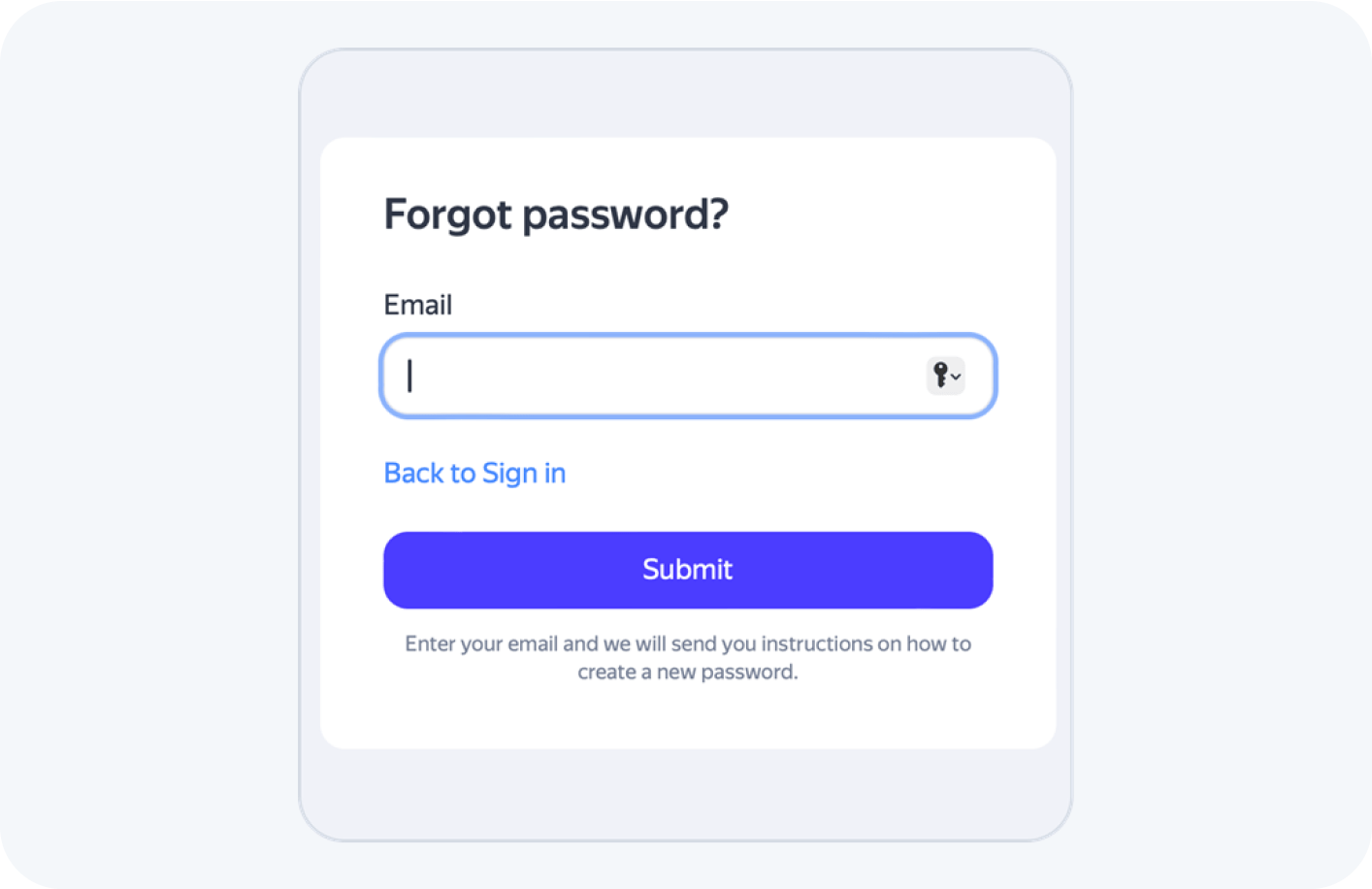
2. Enter your email address and click “Submit”.
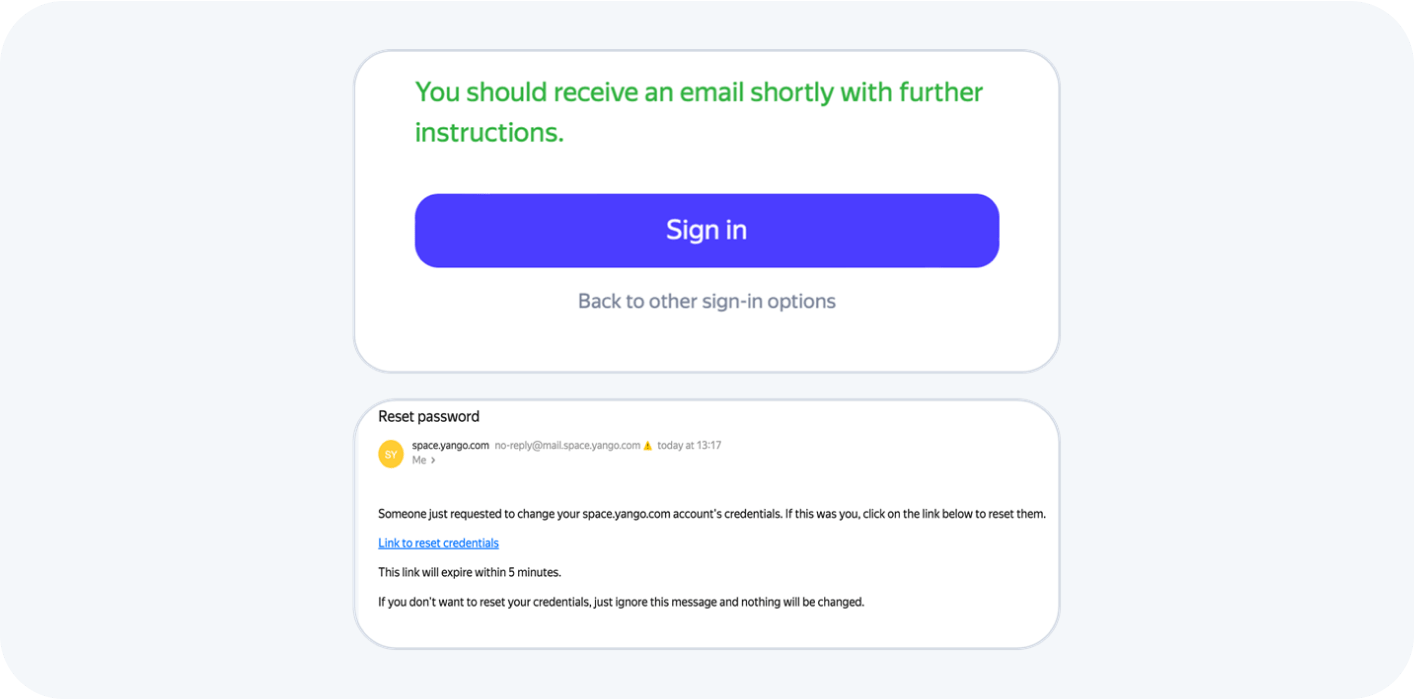
3. You should receive an email with a code to recover your password.
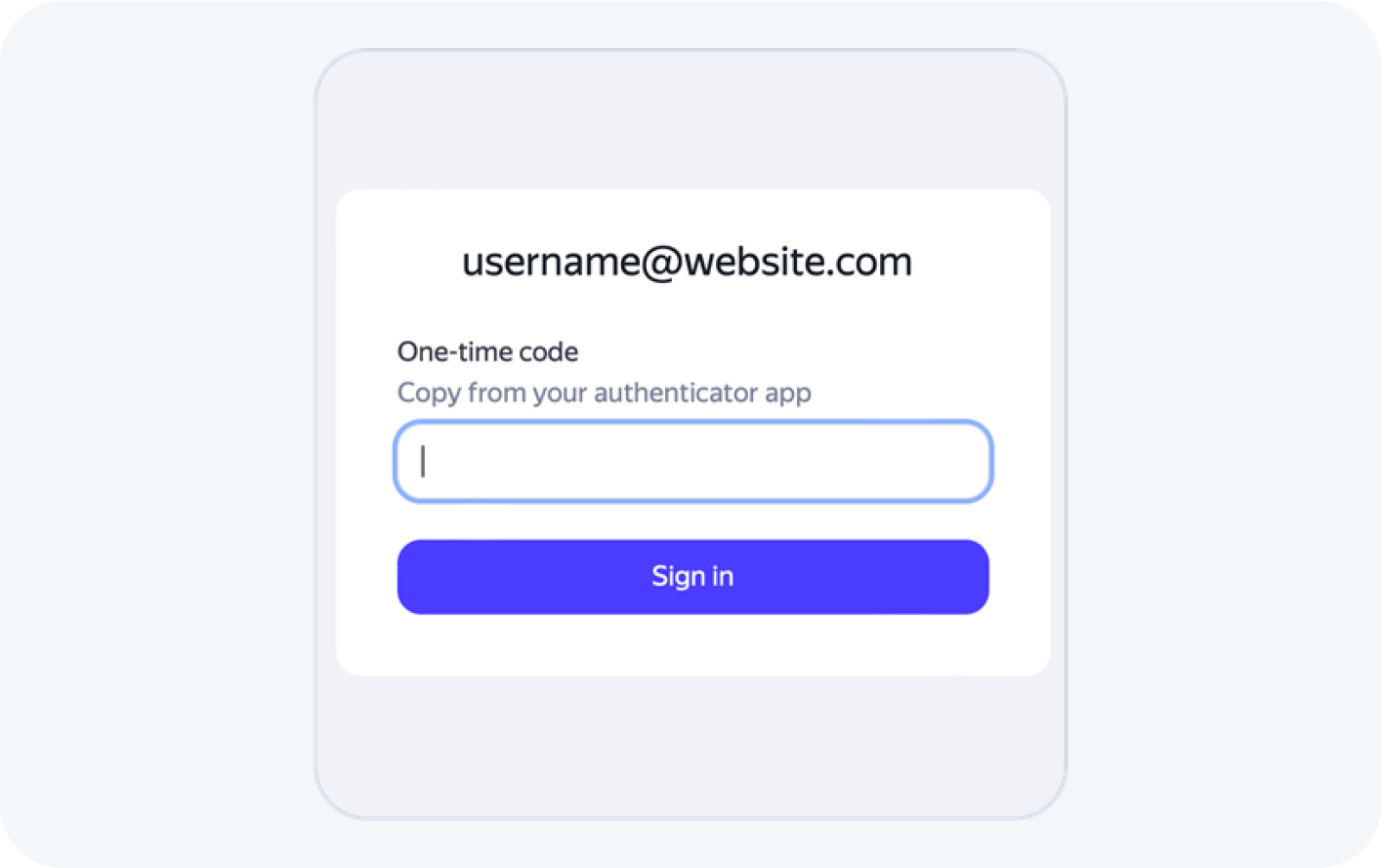
4. Enter the OTP from your device.
Note: If you recently changed your phone or lost access to your authenticator app and cannot provide the OTP, please contact your Account Manager for assistance with account recovery.
5. Create a new password